Final Project. Recording and Editing using Filmic pro and KineMaster

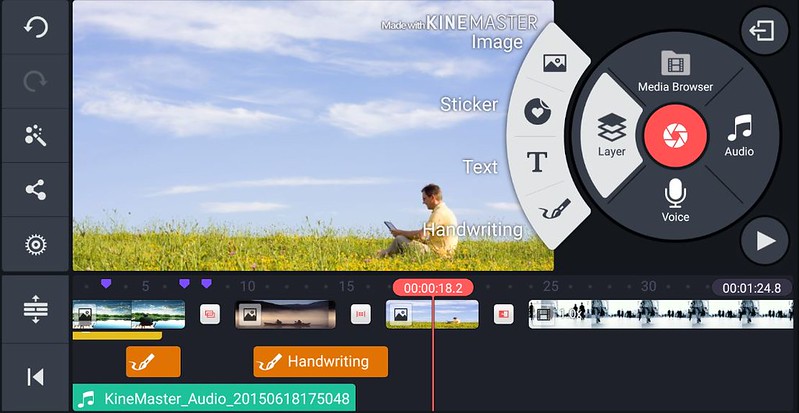
image by ungdung ngon. photo showing the kinemaster app

For the final project I took all my shots using Filmicpro app. This project is about the Levy place on coffee cups in Ireland. I did three major interviews for this project. I took a video of a student at Griffith college who takes coffee daily, also took of a coffee shop owner while she was making coffee and lastly, I did an interview with an expert who campaigns against composable cups, who made some interesting points. To take the shots I turned my phone horizontally to take the shots.

To use the app, I dragged the focus bar around their faces and clicked down to keep the focus locked and I also did the same with the exposure. Thereby getting the desired focus and light needed to start the video. I also locked in the white balance so that the image doesn’t flicker nor loose light when filming.

To take the video I had to lock in my arms beside my body to keep the camera steady and firm. I framed my shot by giving enough head roll while filming them. I made sure they were in the centre of my frame when I was shooting. I also made sure they fit perfectly in the frame and the focus was on them. For this project I mostly used medium shots as they are the best shot to take to tell the story. I also took close up shots of the coffee cups.

To edit I used Kinemaster the editing app. I used layers to add text, media and B-roll into the video. I used the trim tool to edit the video and cut away things I do not need and audio for the music. I was done with the video, I had to export it to be able to save it and submit.

To see this video click the play button below
Recording using Filmic Pro and editing using KineMaster

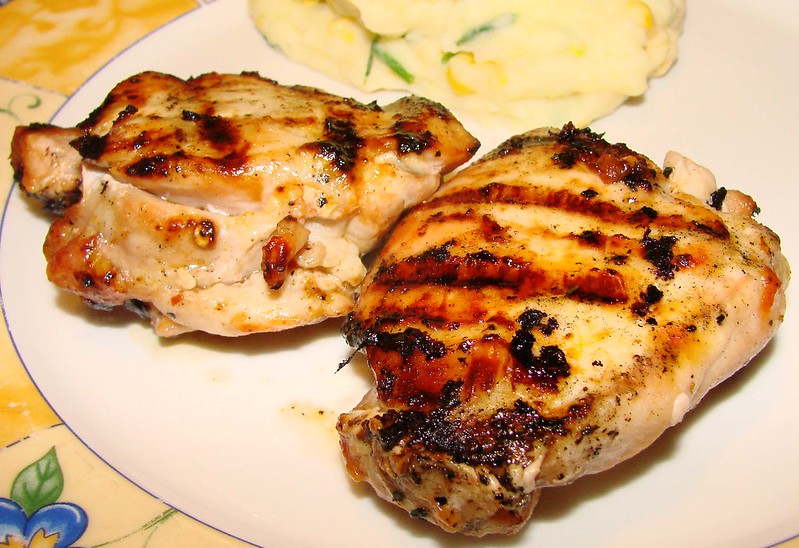
In this segement on MOJO I made a video of my friend making Sticky Chiken and Mango Salsa. If you are a foodie then this is the right place to be as she will be teaching you how to make the chicken in simple steps.

flickr, image by France. Picture of Grilled sticky chicken

For the sequence video I took shots of a friend of mine using Filmicpro app who is making Sticky Chicken Mango Salsa. To take the shots I turned my phone horizontally to take the shots. I had to use the artificial light because it got dark early on the day I was taking the video.

To use the app, I dragged the focus bar around her face and clicked down on it to keep the focus locked on her face and I also did the same with the exposure. Thereby getting the desired focus and light needed to start the video. I also locked in the white balance so that the image doesn’t flicker nor loose light when filming.

To take the video I had to lock in my arms beside my body to keep the camera steady and firm. I framed my shot by giving enough head roll while filming her. I made sure she was in the centre of my frame when I was shooting. I also made sure she fits perfectly in the frame and the focus was on her. I took lots of shots of her, I took close-up shots of her cutting chicken, garlic, mixing the ingredients etc. and medium shots of her talking and introducing what she is doing,

To edit I had to use Kinemaster the editing app. I used layers to add text, media and B-roll into the video. I used the trim tool to edit the video and cut away things I do not need and audio for the music.

I took mostly medium shots and close-up shots because I had to go close to her, to properly capture what she was saying. When I was done with the video, I had to export it to be able to save it and submit.

To watch this Video click the play button below

Design a site like this with WordPress.com
Get started